__largepreview__.webp)
Church Family
Welcome to Parkway!
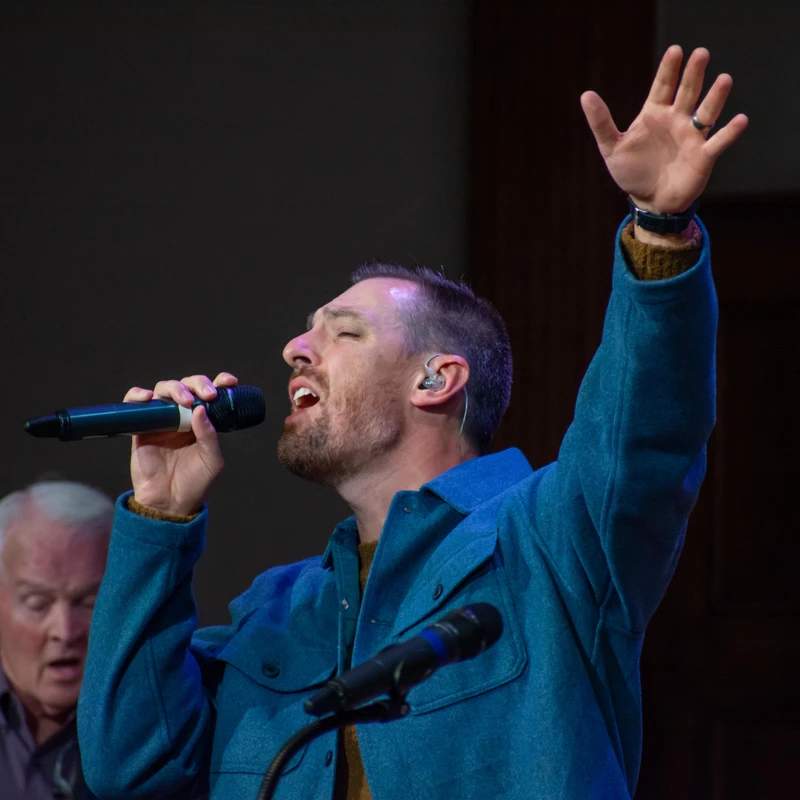
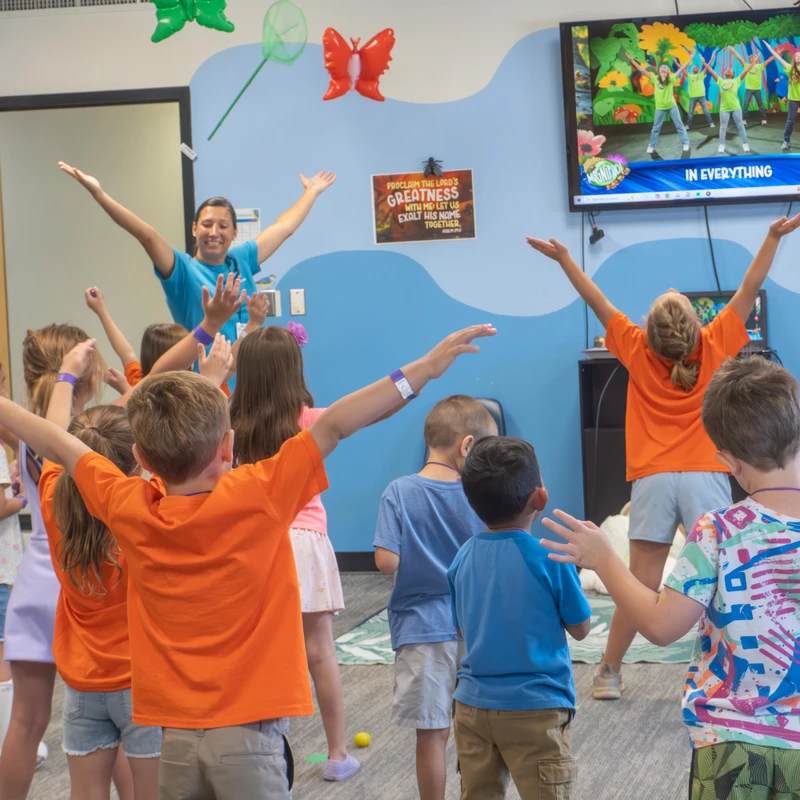
We would like to invite you to become a part of this fellowship of believers and find your place of service here with us. We believe that Parkway is not just a place to attend, but a church family to belong.

Watch & Listen
Latest Sermon
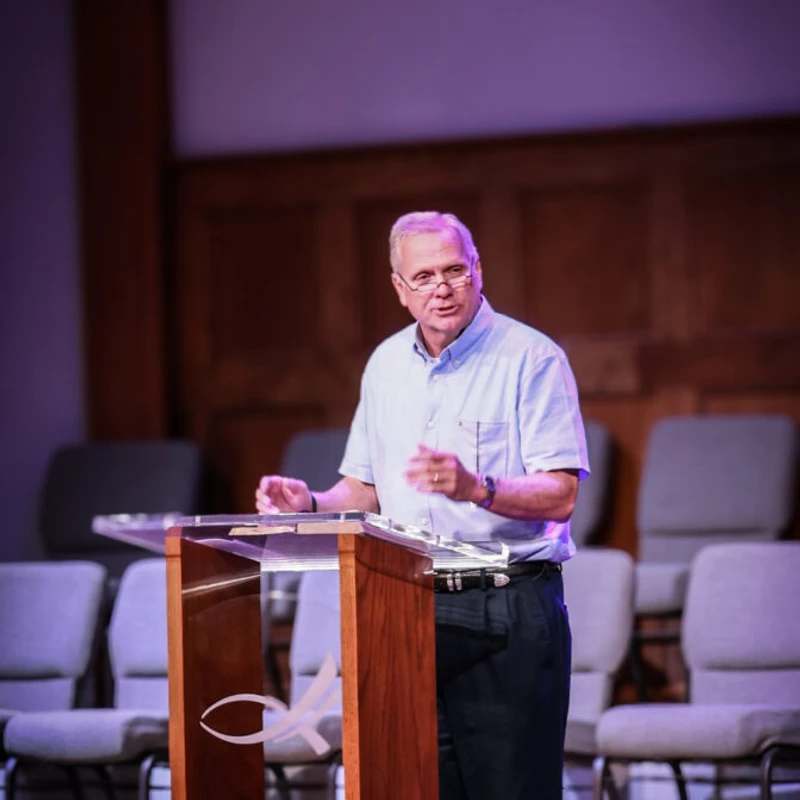
Each week we teach Biblical truths straight from God’s word. Watch the latest sermon or browse our library of past messages.
Prayer Requests
Let Us Pray For You
We believe in the power of prayer and would be honored to pray with and for you. Whether you're facing a challenge, celebrating a joy, or seeking guidance, you're not alone. Fill out the form below to share your prayer request—our Parkway Prayer Warrior team is ready to come along side you.